
Introduction to Windows 11
“Windows 11 New Features 2026” is Microsoft’s latest major operating system, introduced as the successor to Windows 10 with the aim of modernizing the Windows computing experience for a new generation of users and devices. Officially released on October 5, 2021, Windows 11 represents a significant shift in both design philosophy and system capabilities, combining a refined visual aesthetic with enhanced performance, security improvements, productivity tools, and deeper integration with cloud and AI-powered features. Unlike previous versions that focused more on incremental improvements, Windows 11 serves as a reimagining of the Windows ecosystem—streamlined, minimalistic, and tailored for contemporary hardware such as touch devices, hybrid laptops, and high-performance desktops. At its core, Windows 11 is designed not just as an operating system but as a unified platform capable of supporting work, creativity, gaming, and communication in a seamless manner.
Design Philosophy and User Interface
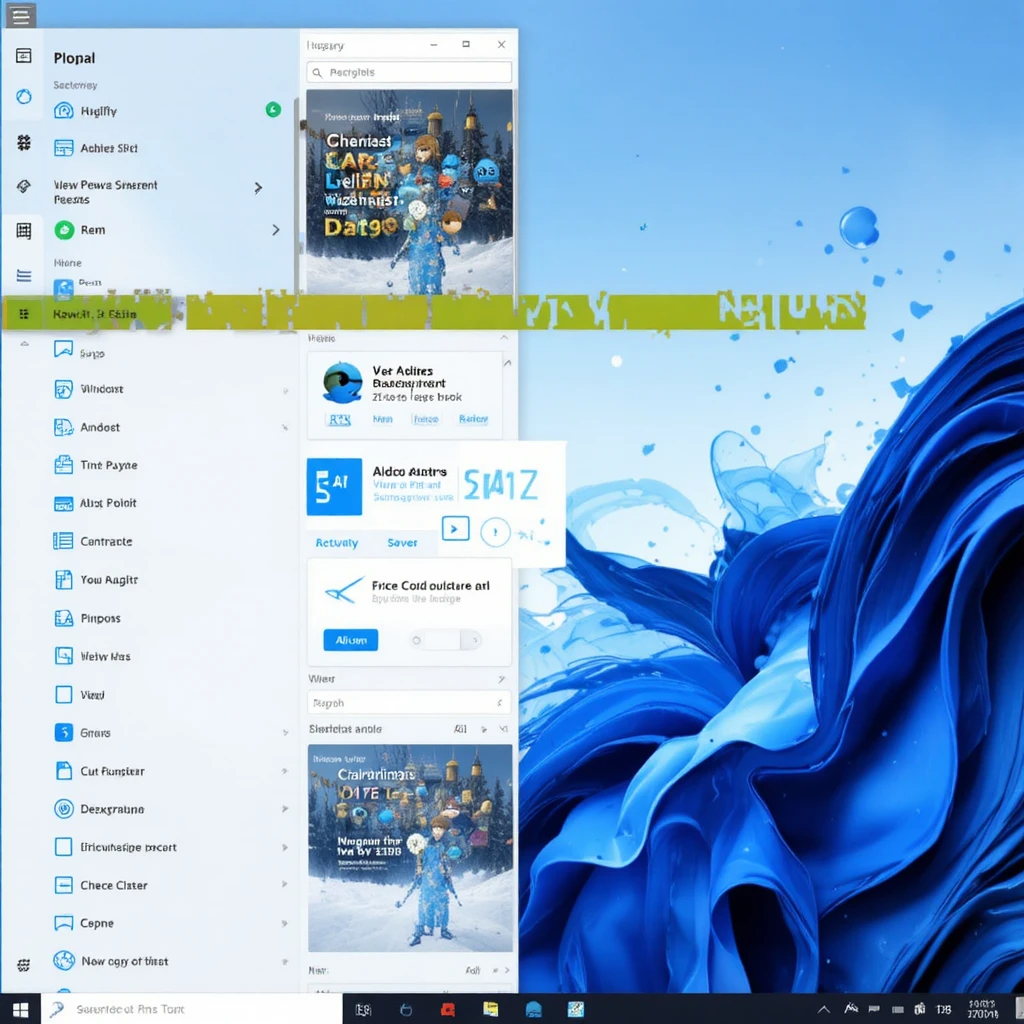
The most instantly noticeable aspect of Windows 11 is its fresh visual design, rooted in simplicity, fluidity, and a softer aesthetic. Microsoft introduced rounded corners, a glass-like transparency effect known as “Mica,” new animations, updated iconography, and an overall emphasis on clarity and calm. The Start Menu—now centered by default—has been restructured to present pinned apps and recommended files in a cleaner, more manageable layout. This centering of the taskbar reflects an effort to unify experience across multiple device types, making the interface more touch-friendly. Snap Layouts and Snap Groups, two prominent multitasking features, provide users with intelligent window management capabilities, enabling them to quickly organize windows into predefined grid patterns. This feature is particularly beneficial for productivity workflows, making it easier to work with multiple apps side by side. The redesigned Settings app, improved Action Center, and refined File Explorer contribute to the consistent and modern aesthetic that defines Windows 11.
Performance Improvements and System Optimization
Beyond the visual overhaul, Windows 11 introduces substantial performance optimizations designed to enhance speed, responsiveness, and power efficiency. Processes related to window rendering, memory allocation, and foreground prioritization have been updated so that frequently used apps run more efficiently. For devices equipped with newer CPUs, especially those with hybrid core architectures like Intel’s 12th-generation chips, Windows 11 intelligently distributes tasks between performance and efficiency cores. Startup and wake-from-sleep times benefit from improved resource management and better utilization of SSDs, which are strongly recommended by Microsoft for optimal performance. Another key element is the tighter integration with DirectStorage, a technology borrowed from Xbox gaming consoles, which allows games to load assets directly from NVMe SSDs to the GPU, dramatically reducing load times. Overall, Windows 11’s performance upgrades make it well-suited for modern computing needs such as high-resolution content creation, complex multitasking, and next-generation gaming.
Security Enhancements and Hardware Requirements
Windows 11 introduces a stronger security foundation, aligning with Microsoft’s vision for a more resilient computing environment. The operating system requires Trusted Platform Module (TPM) 2.0 support, Secure Boot capability, and modern processor architectures, all aimed at increasing protection against firmware attacks, unauthorized access, and malware. The integration of hardware-based security provides enhanced encryption, identity verification, and secure storage of cryptographic keys. Windows Hello, Microsoft’s biometric authentication system, has been refined for faster and more reliable login experiences across devices. Built-in virtualization-based security features help isolate critical system processes, preventing them from being tampered with. While these requirements ensure a more secure platform, they also raised concerns during the rollout because many older devices became incompatible with the upgrade. Still, Microsoft insists that the shift toward higher security standards is essential in an era of increasing cyber threats, making Windows 11 the most secure Windows release to date.
Productivity Features and Workflow Enhancements
Borrowing from the work-from-home and hybrid-work trends accelerated by global events, Windows 11 introduces several features specifically aimed at improving productivity and collaboration. The operating system integrates Microsoft Teams directly into the taskbar, allowing users to initiate calls or send messages with a single click. Focus Sessions, located within the Clock app, help users maintain concentration by offering structured productivity intervals paired with background music from services like Spotify. Virtual Desktops have also been enhanced, allowing users to create separate desktops for work, gaming, school, or personal activities, each with customizable wallpapers and app arrangements. The addition of Widgets—a personalized feed displaying calendars, weather, news, and other information—brings mobile-style convenience to the Windows desktop environment. These features collectively position Windows 11 as a versatile system capable of supporting modern productivity needs.
Gaming Enhancements and Entertainment Features
One of the strongest components of Windows 11 is its dedication to gaming, continuing Microsoft’s mission to make the PC a premier gaming platform. Windows 11 integrates several technologies that previously existed only on Xbox consoles, including Auto HDR, which enhances lighting and color range even in games that were not initially designed for HDR displays. DirectStorage, another major addition, reduces load times and improves asset streaming by sending data directly from SSDs to GPUs without burdening the CPU. The Xbox app is built into the OS, offering easy access to Xbox Game Pass, cloud gaming, and Xbox social features. Thanks to these improvements, Windows 11 delivers a smoother and more immersive gaming experience, particularly for systems equipped with modern GPUs and high-speed NVMe SSDs. From casual players to competitive gamers and content streamers, the gaming upgrades embedded within Windows 11 make it a compelling choice for entertainment and interactive experiences.
Compatibility and Support for Modern Applications
Windows 11 introduces a refreshed Microsoft Store designed for greater openness and flexibility. Unlike previous versions, the Windows 11 Store allows app developers to use their own commerce engines, increasing the diversity of available software. The store also includes support for traditional Win32 applications, Progressive Web Apps (PWAs), and Universal Windows Apps (UWPs). One of the initially advertised and highly anticipated features was support for running Android apps natively through the Amazon Appstore, although availability varies by region. This move expands Windows 11’s capabilities, bridging the gap between mobile and desktop environments. The OS also emphasizes cloud connectivity through features such as OneDrive integration, file synchronization, and Microsoft 365 productivity tools. These additions enhance Windows 11’s versatility, allowing it to support a broad ecosystem of modern applications across different categories and workflows.
Accessibility and Inclusivity Enhancements
Windows 11 places a strong focus on accessibility, ensuring that the system can be comfortably used by individuals with varying abilities. The Narrator screen reader has been improved with more natural-sounding voices, while closed captioning, contrast themes, and voice typing have been upgraded for accuracy and ease of use. Windows Voice Access, a feature allowing complete voice-controlled navigation of the system, enhances accessibility for those who may not be able to use traditional input devices. Touch gestures and haptic feedback support for compatible devices also improve accessibility for users who rely on touch or stylus input. Microsoft’s commitment to accessibility is evident throughout the design and functionality of Windows 11, making the system more inclusive and easier to navigate for all users.
Conclusion
Windows 11 can be defined as a next-generation operating system that combines modern aesthetics, enhanced security, improved performance, and comprehensive productivity features into a single cohesive platform. It marks a significant evolution in the Windows family by prioritizing streamlined design, intelligent workflows, and deep cloud integration. While its strict hardware requirements sparked debate, they reflect Microsoft’s long-term vision of a more secure and reliable ecosystem. With advancements in gaming, multitasking, accessibility, and application compatibility, Windows 11 is positioned as a future-ready operating system capable of supporting diverse user needs—from casual browsing and entertainment to professional work and high-performance computing. Ultimately, Windows 11 represents a bold step forward in shaping the digital experiences of the modern era, reaffirming Microsoft’s role in defining the landscape of personal computing.